

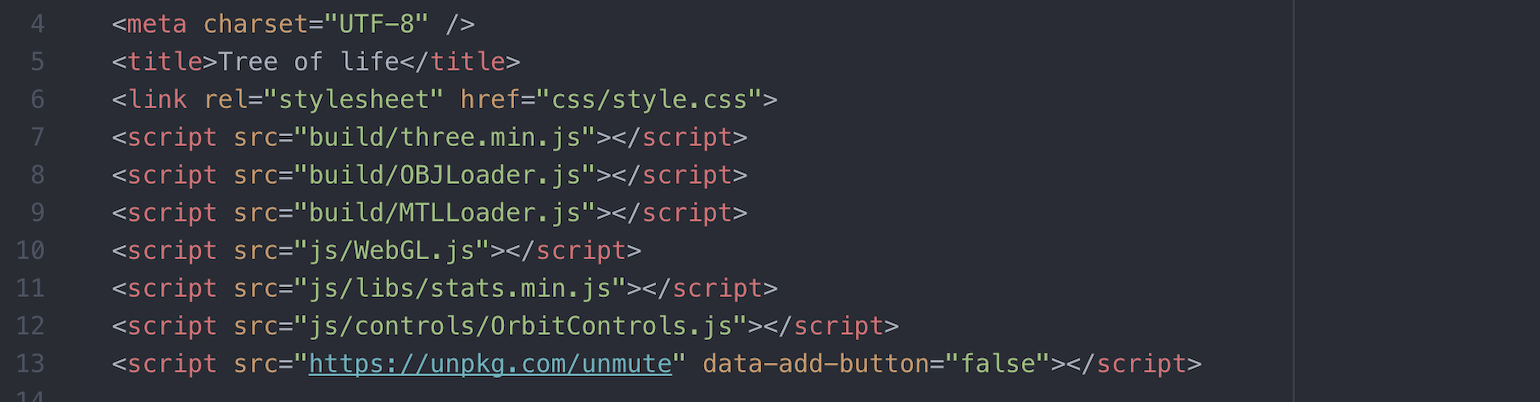
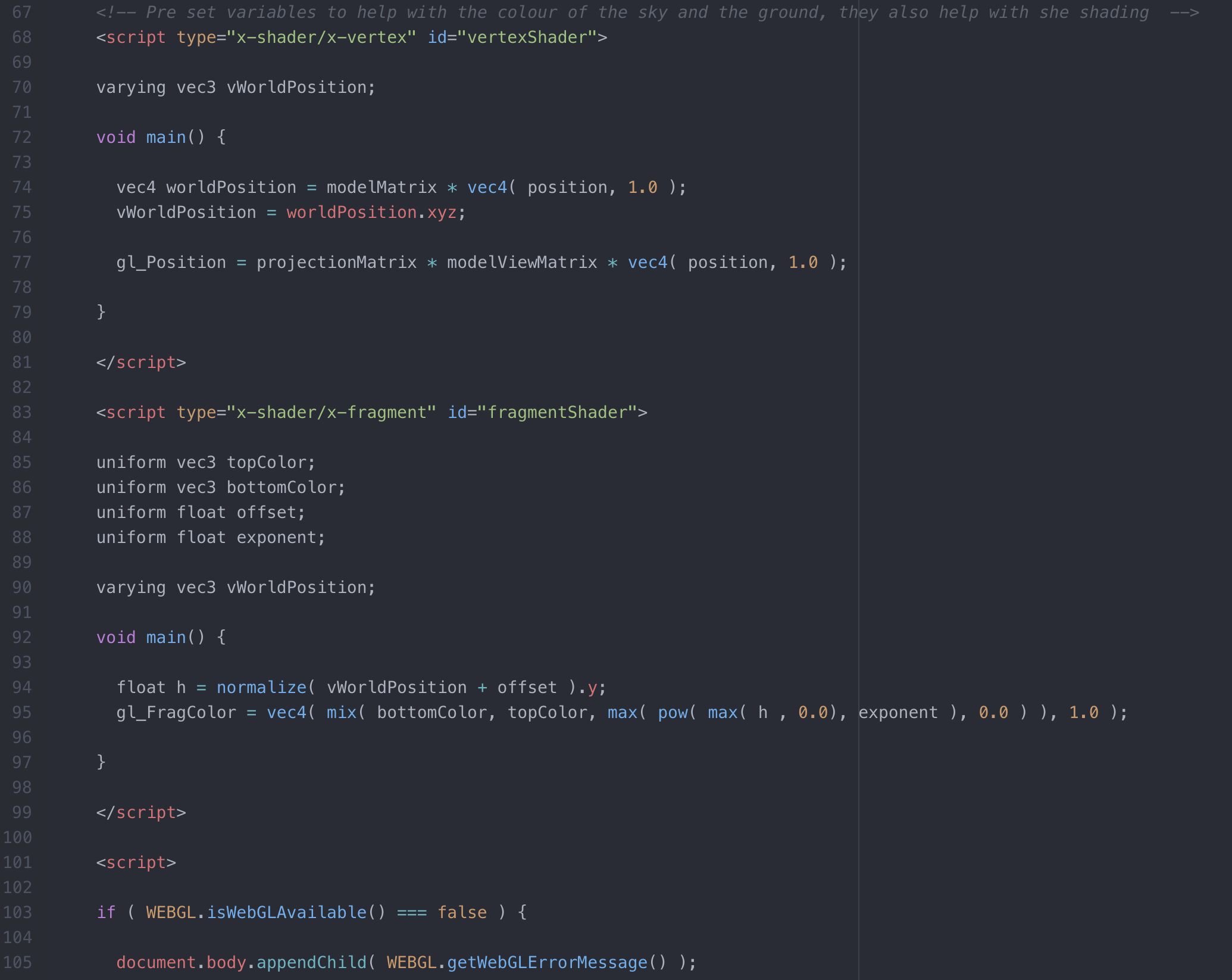
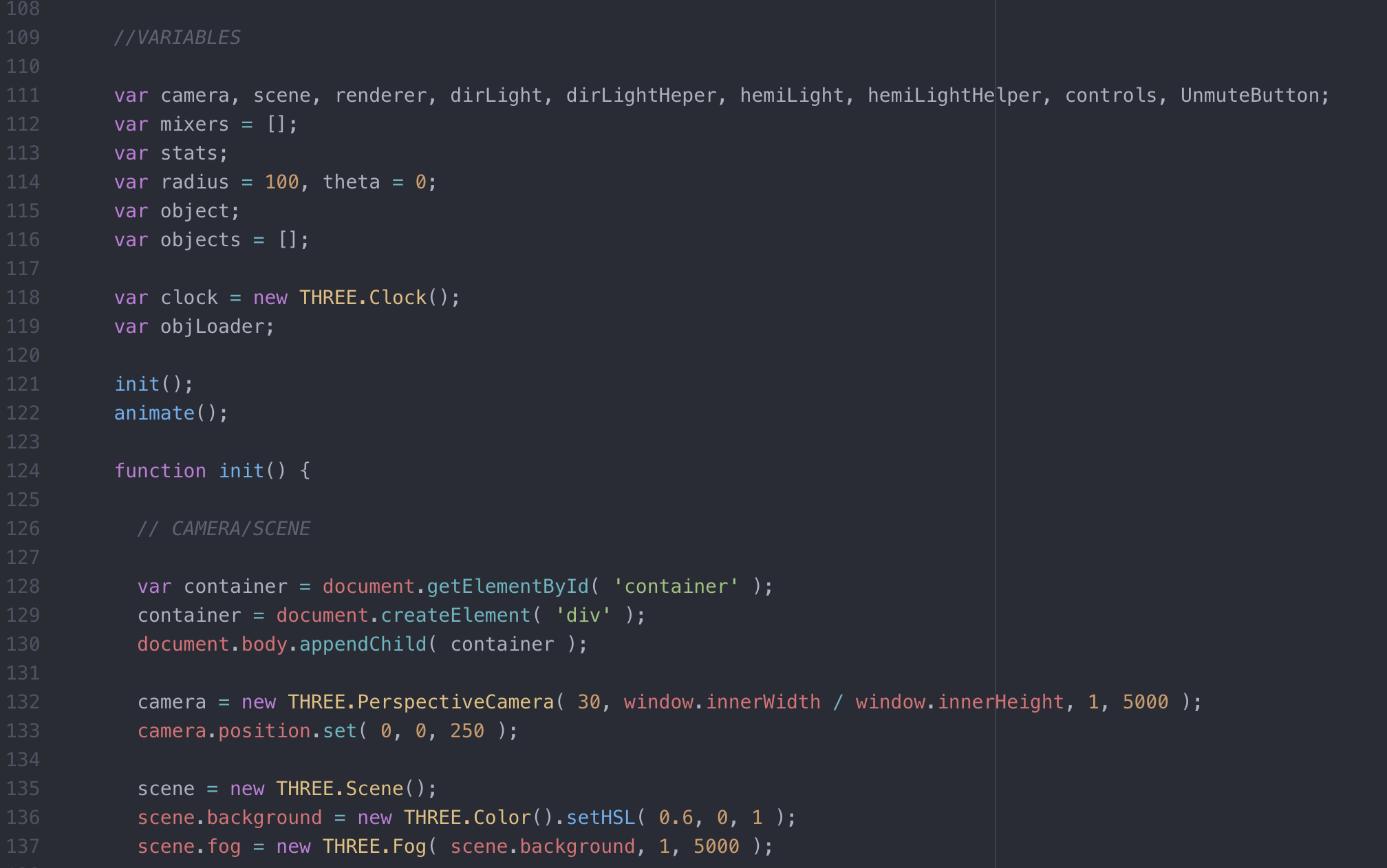
This shows how all the code started, this part of the code shows how it all starts, by adding in all the code that needs to be called on as well as every variable I want to programme. There are also Pre set variables these help set the hue of the ground and the sky and helps blend them to make that never ending feel to the background of the scene.
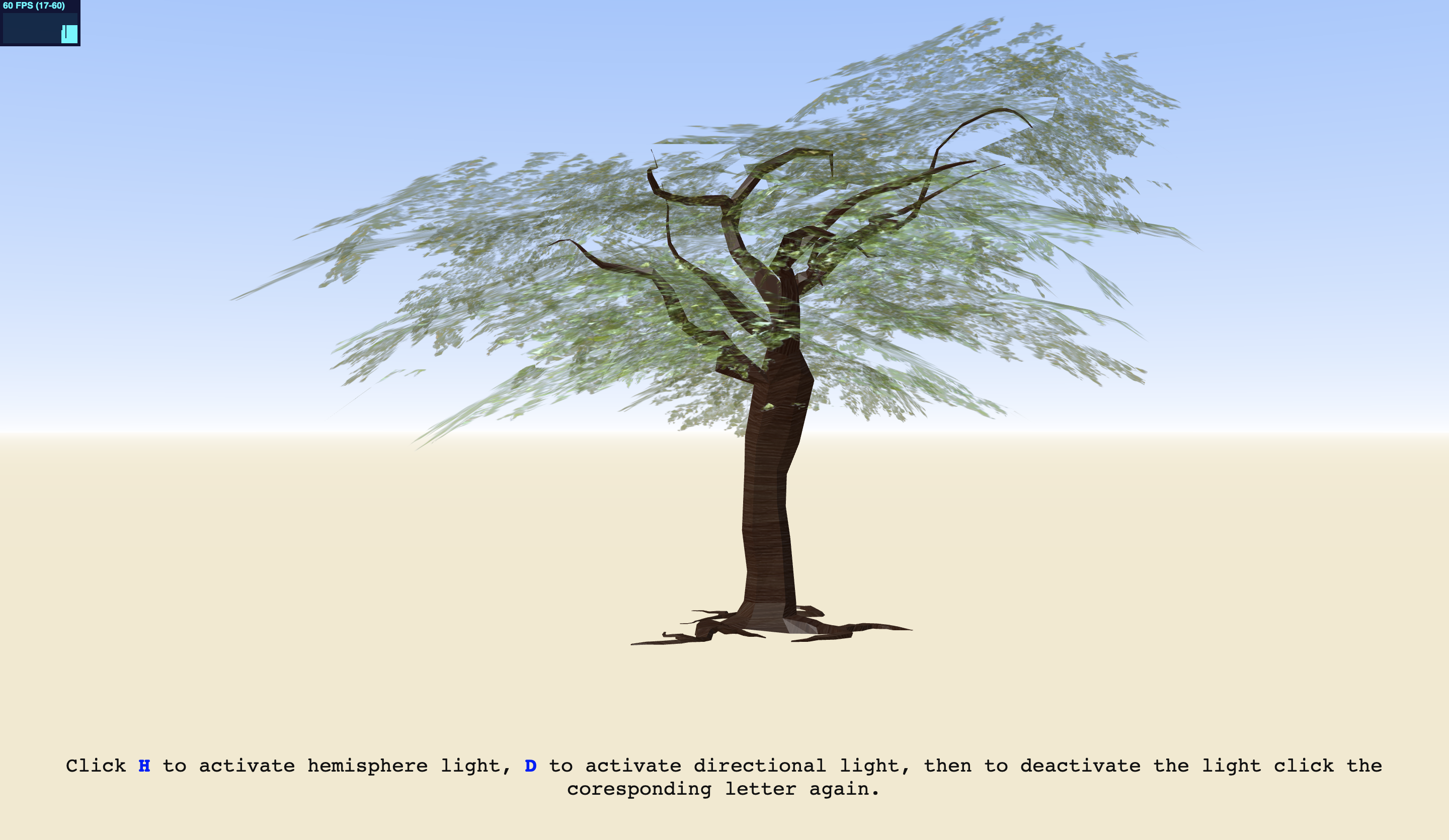
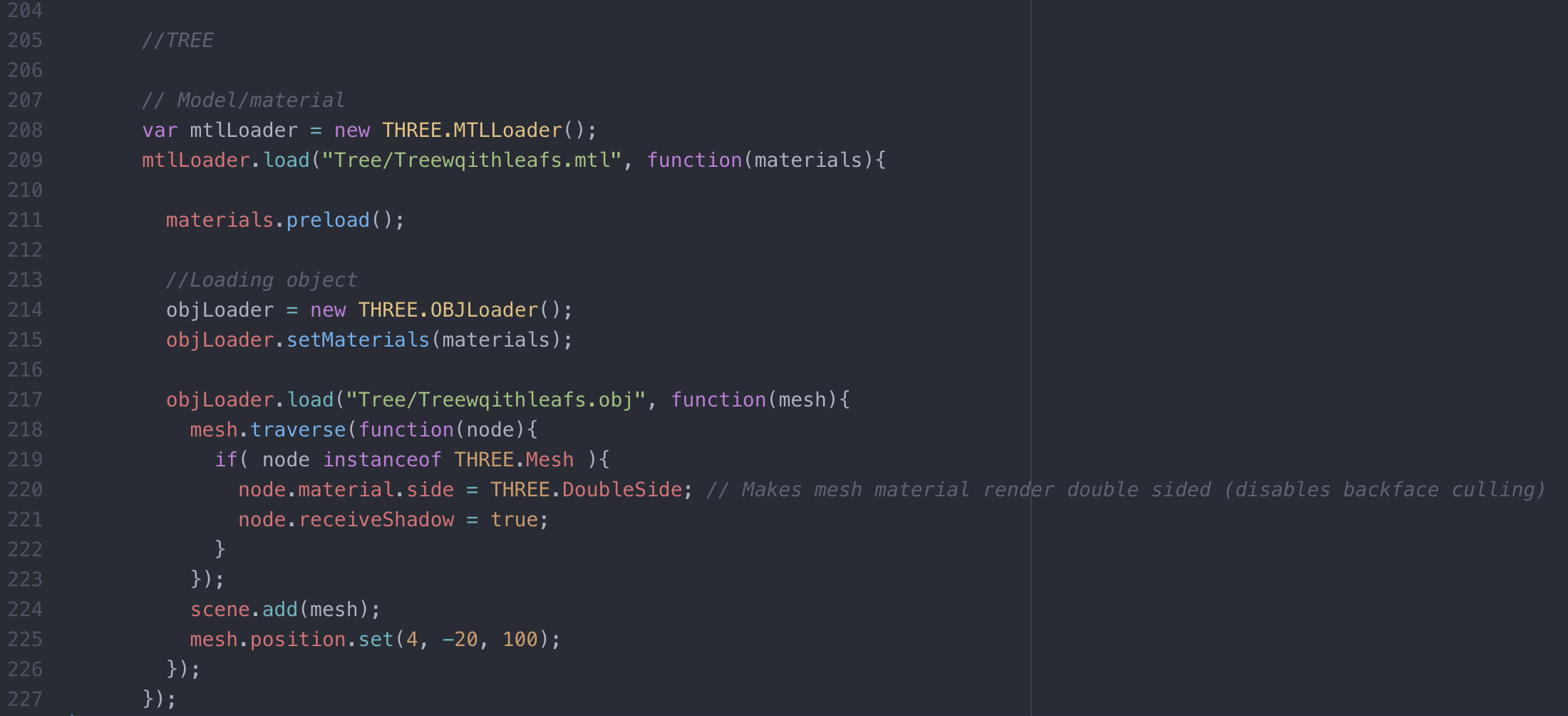
3D designing the tree was challening and fun, a lot of youtube was needed as MAYA the software I used was new to me but very rewarding with the finished product and I am proud of the outcome, I then got the tree to load in using the object loader as well as the material loader, three.js means that when you bring in an outside object to the pre programmed objects you need to include these loaders, you also need to still add the mesh as this is what will allow the object to fully appear on the scene. The leaves on the tree were the hardest part as they were already included in the material but I had to include the double side function as they were transparent to the light because of the angle they where set at.
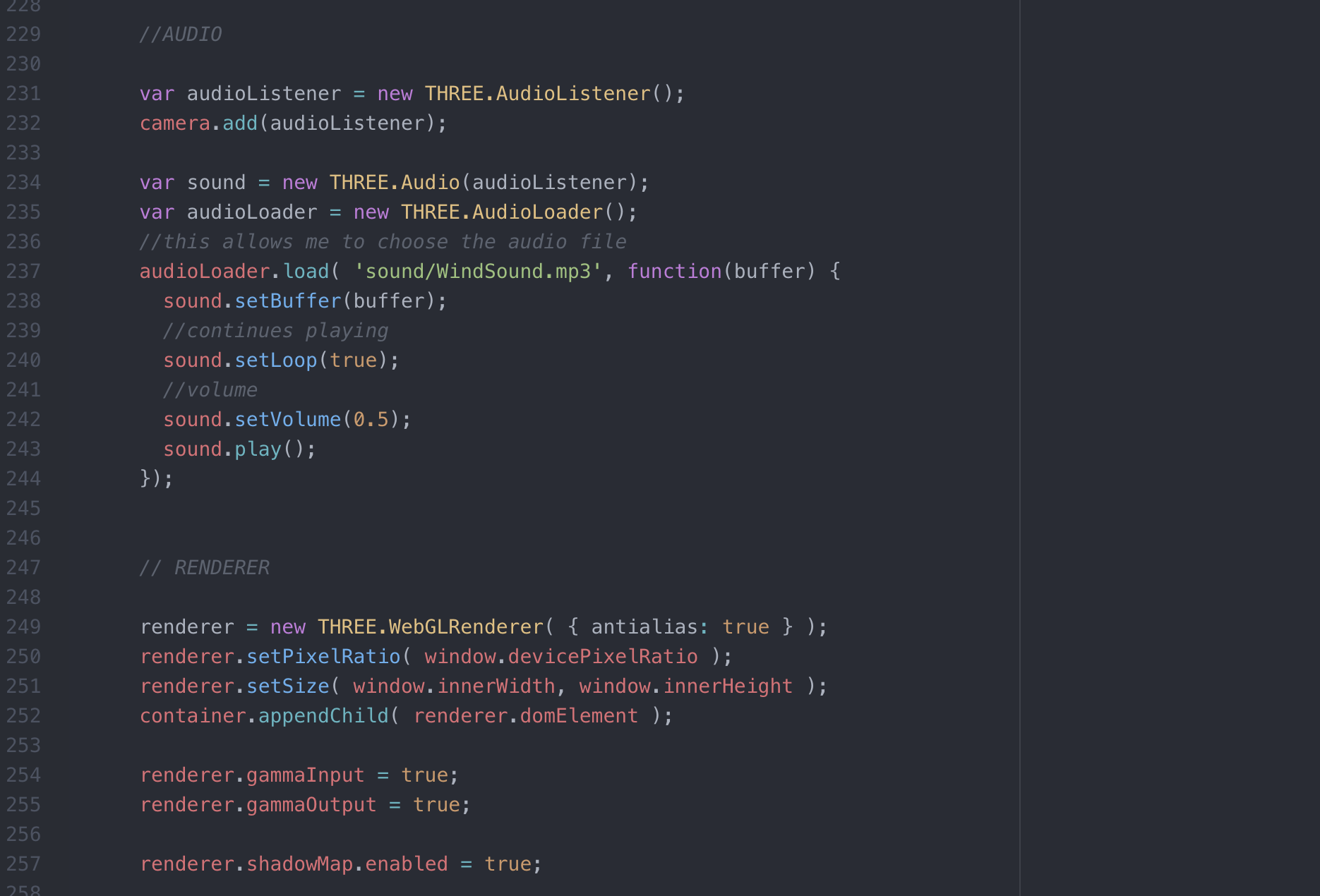
I added audio to the scene to add to the calming effect I hoped the whole code would help people feel, I ran into a few issues adding this, in the beginning code I had to add a mute button which does not fully work but it allowed the audio to work in chrome as it was a huge issue, this is also an improvement I would like to add in the future and given more time I will be able to play more and fix this issue. The set loop allows for the sound to go on for the entire time the user is veiw the scene and the volume can also be controlled through your computer but is set at a 0.5 setting as a pre set if you can not control it. The renderer functions allows everything to enter the scene and load up efficiently.

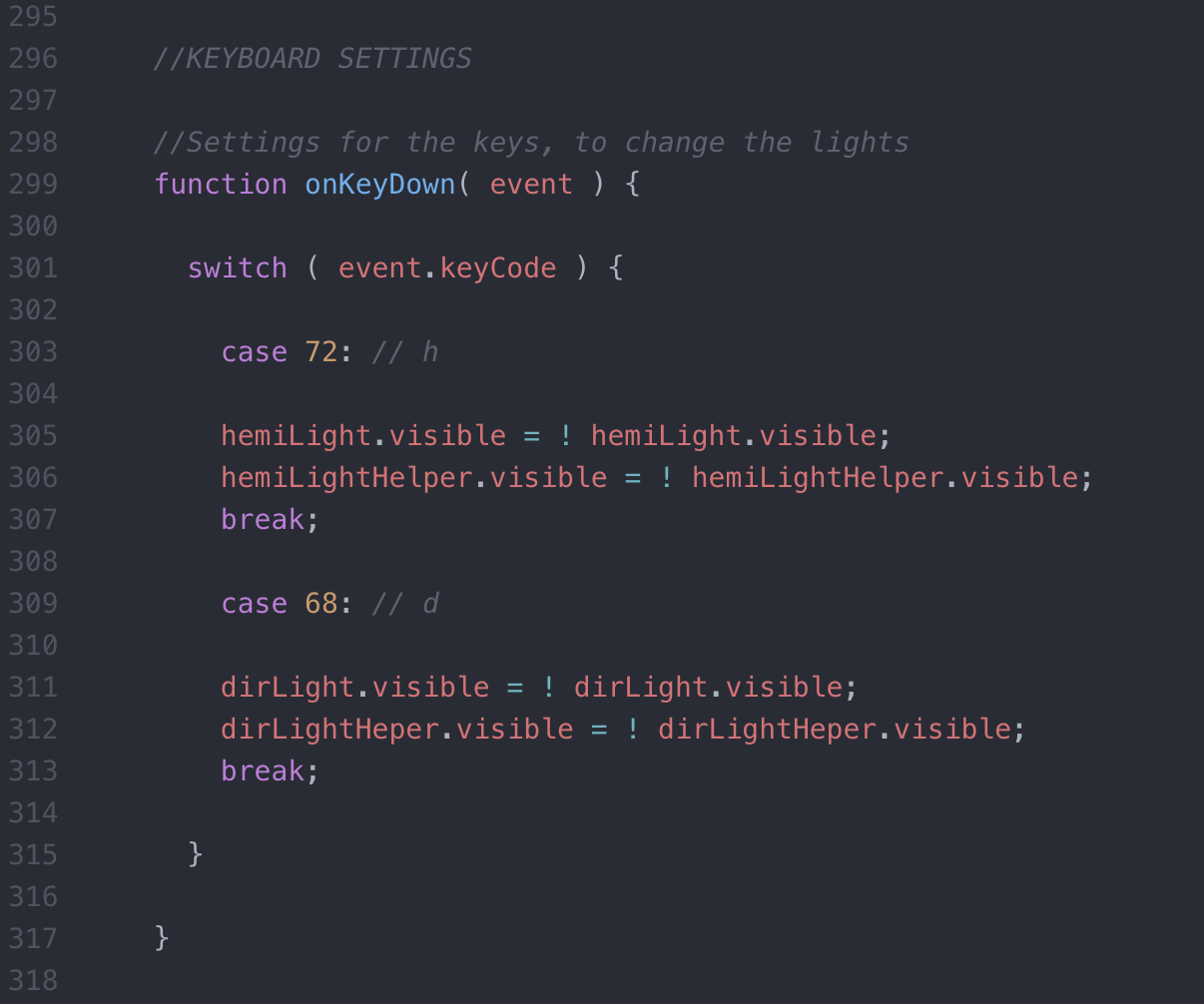
The biggest feature this scene has is the lights being able to change, I felt this would add to the calming effect as you could add the tone of light you wished to have, this needed buttons by using H which stands for the hemispere light and D for the directional light, this was capable by a key down function which called on the prepared functions already made for the lights. There was also a short paragraph added so the user knew what to do and how everything worked.
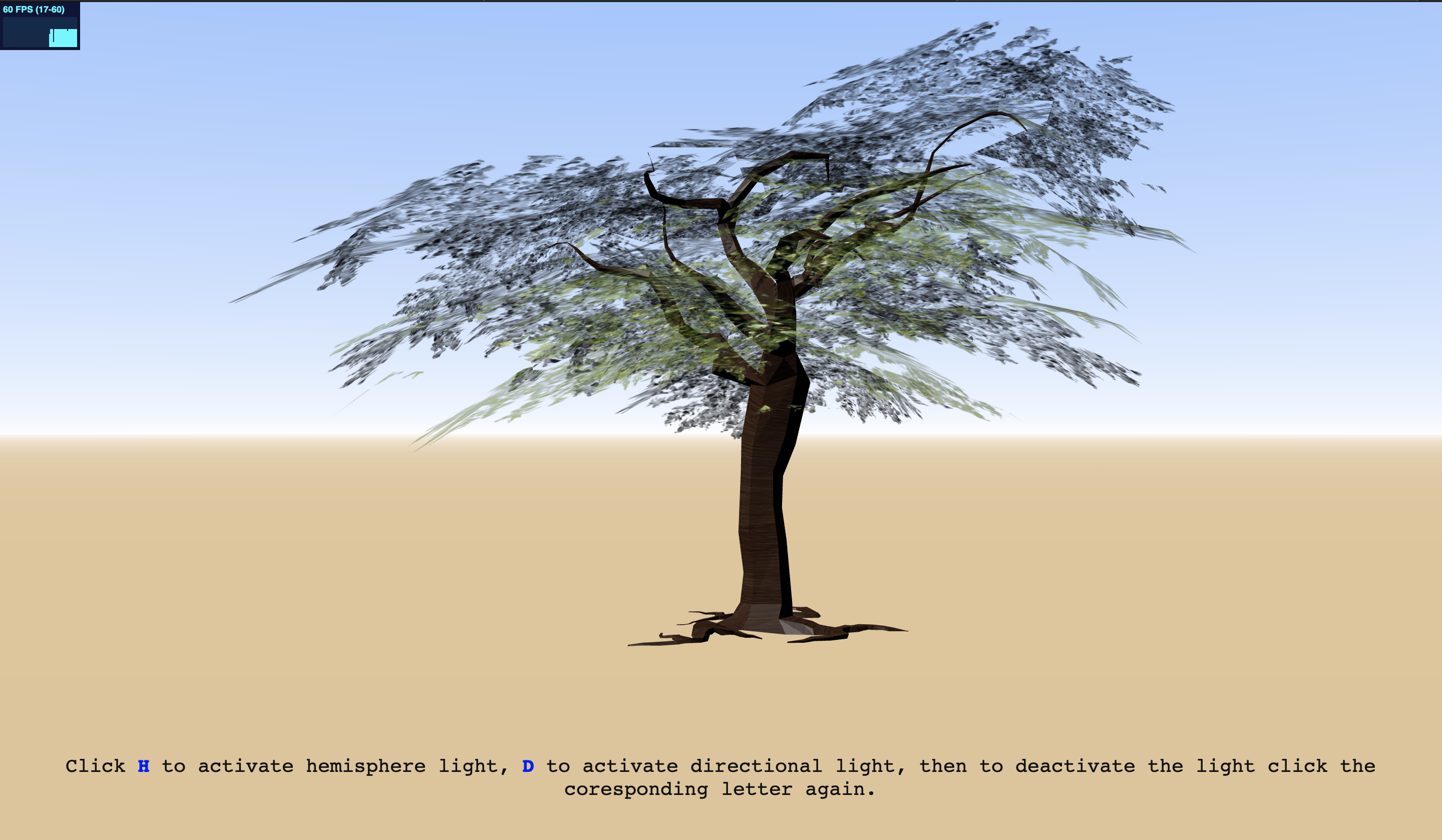
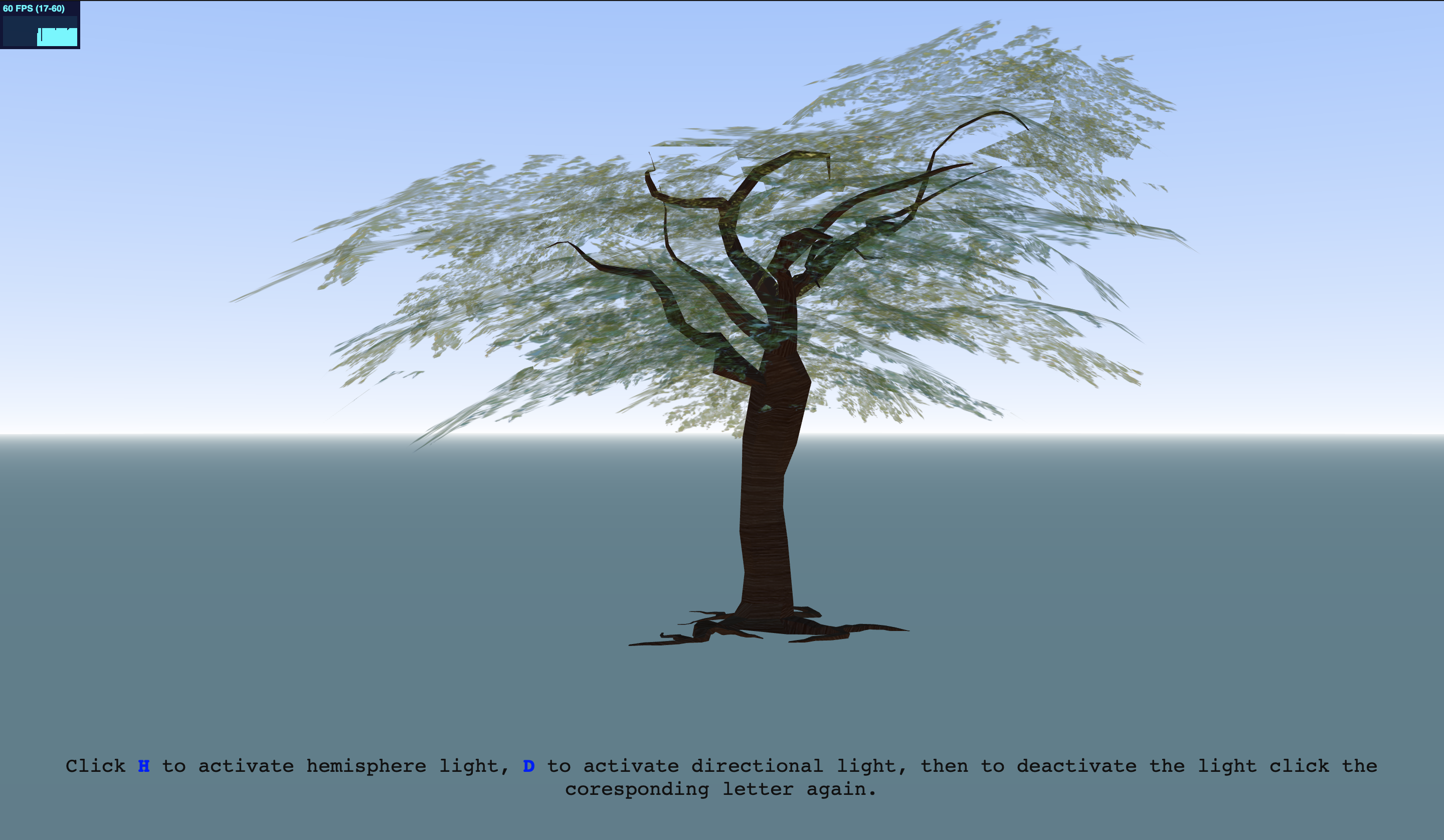
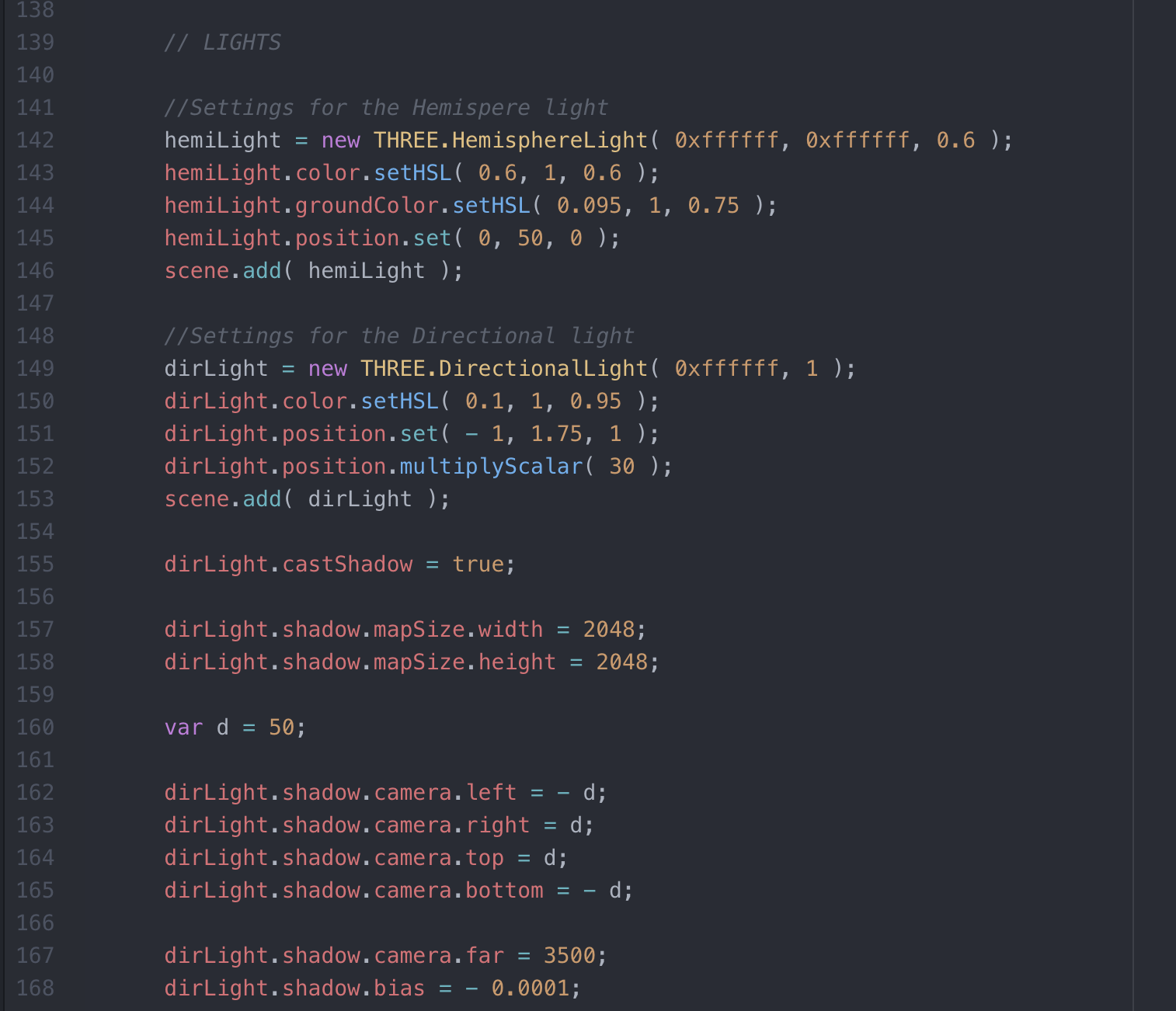
The lights changing was a big acheivement in this code, I still wanted all lights to be white i just wanted them to activate diffrent sections and allow different shadows to be cast.
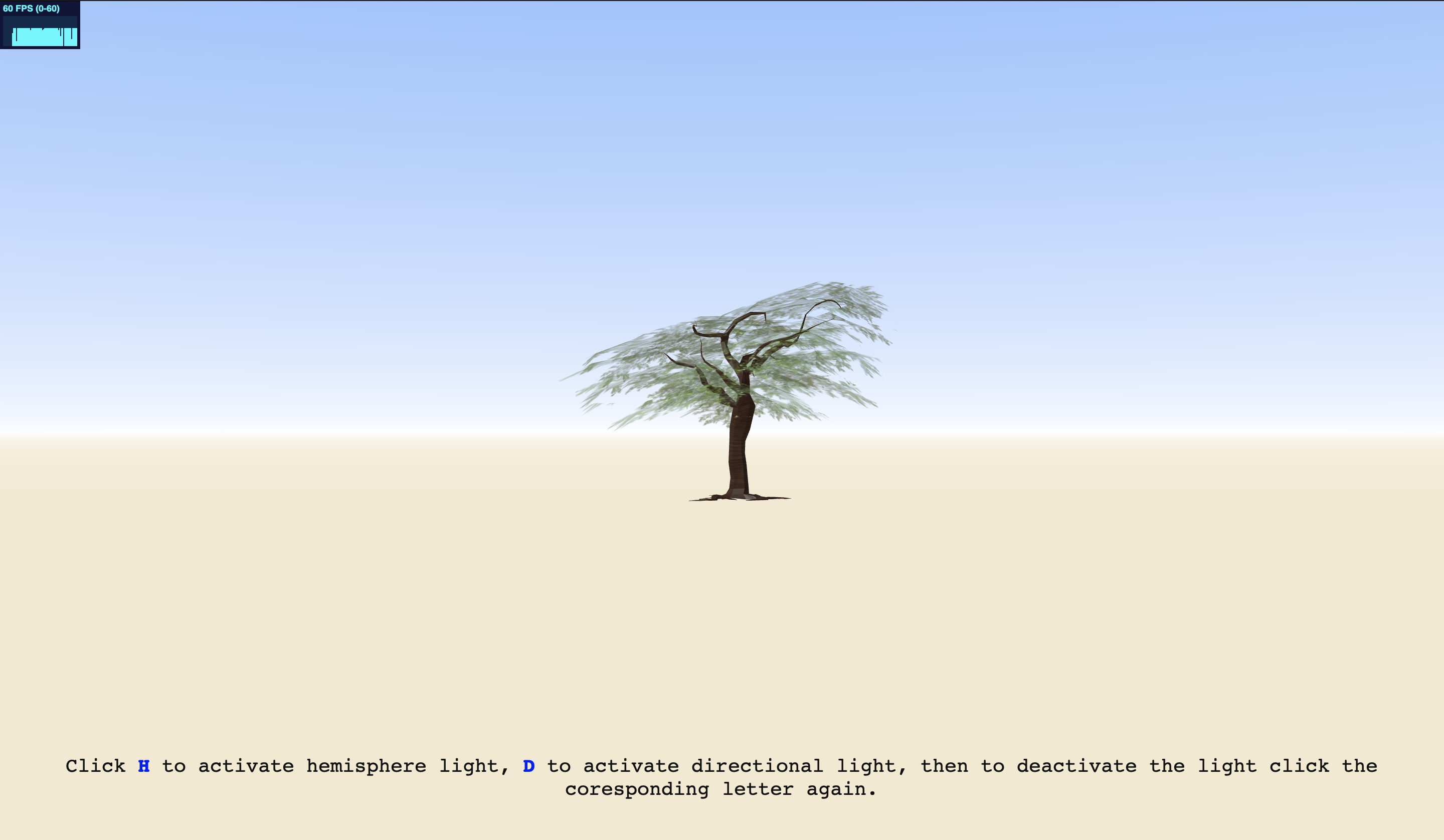
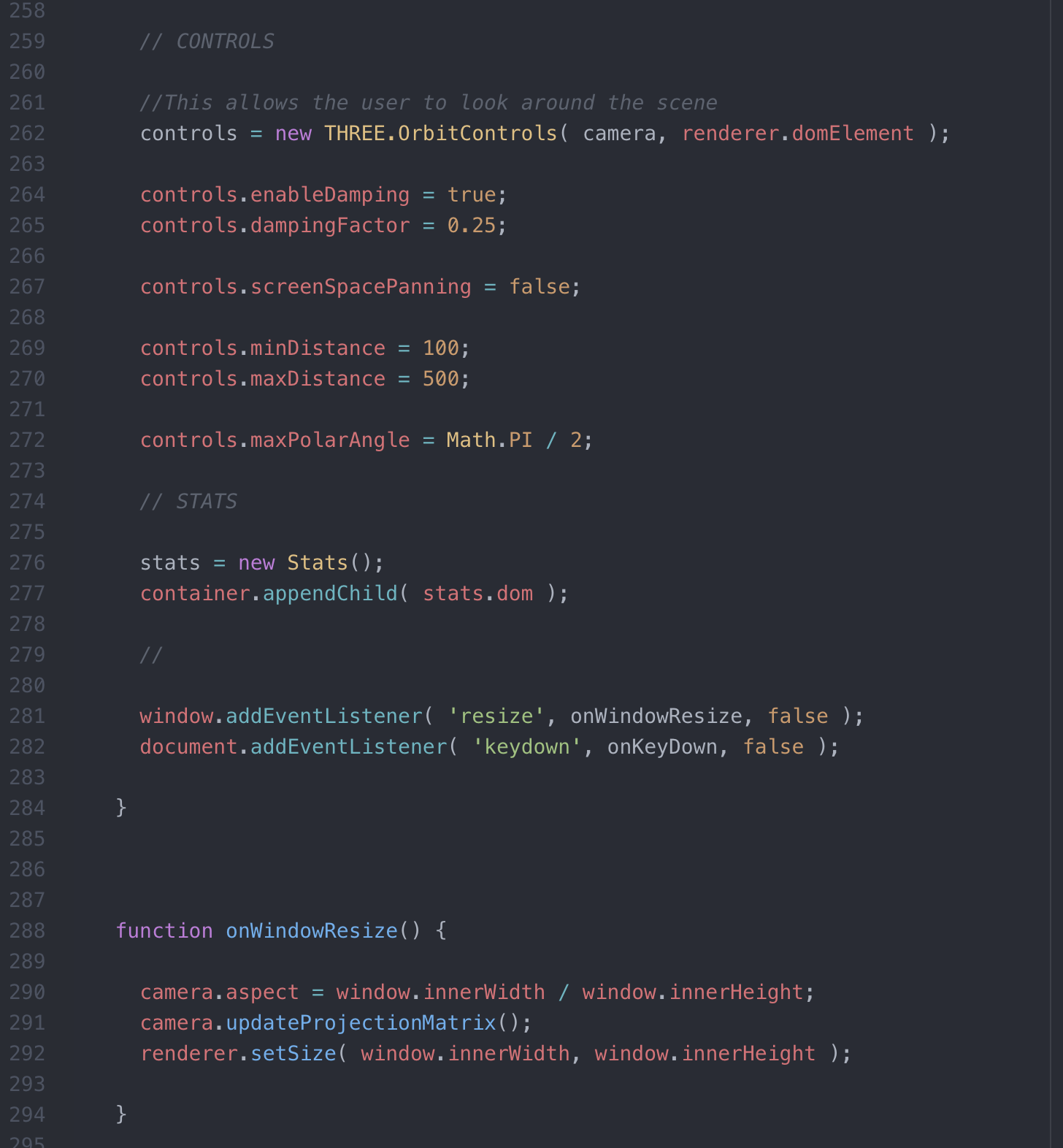
The panning allows the user to look around the scene, I set the miniamum and maxiamum settings so the user couldn't go too far from the tree but still be able to not see it at all if you just want to look at the scene background, there was a dampening effect also added to reduce the effects that may stop the occilation. The stats added to the bottom of the code help set the frames per second meter so you can keep an eye on loading time of the scene.
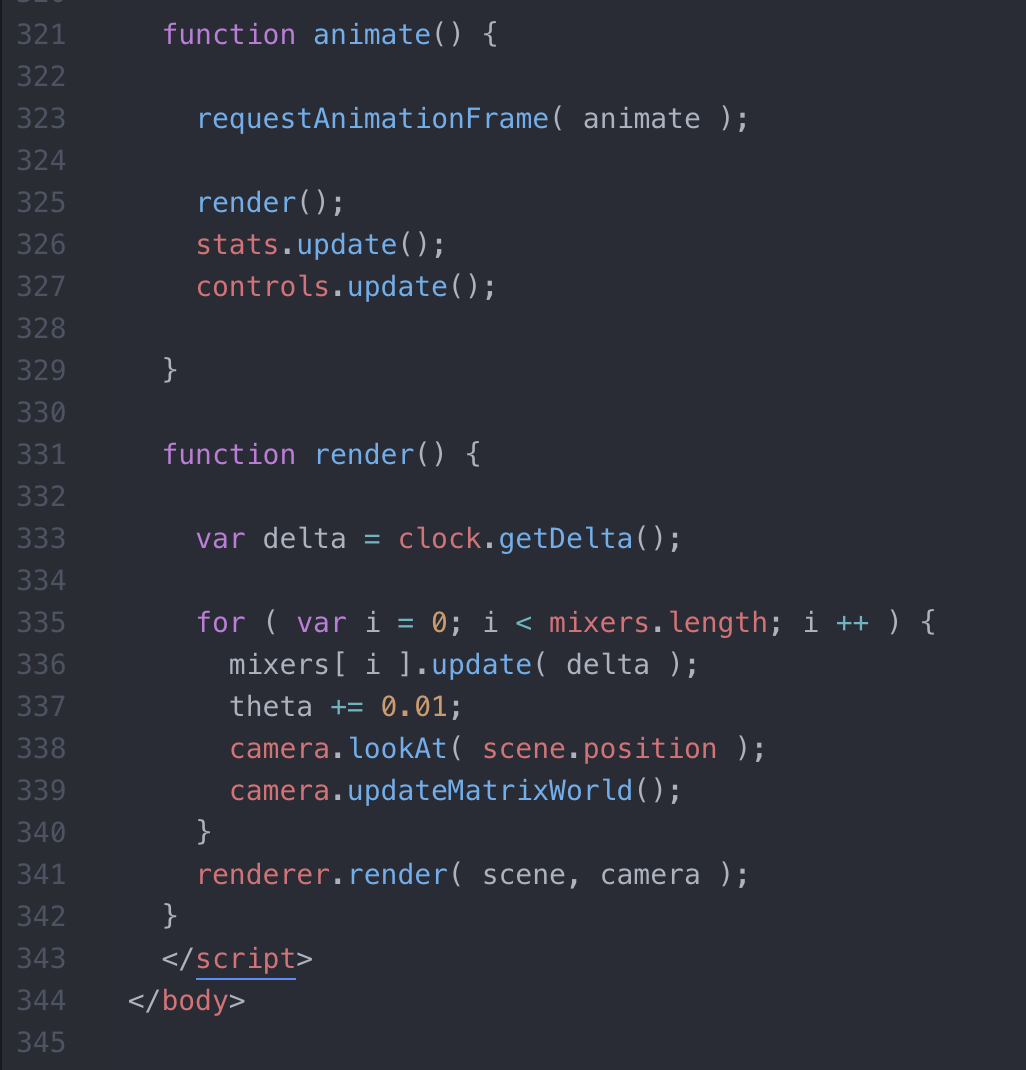
The end of the code helps finish everything off and askes for everything to be loaded and fully set.